Data Studio
Adrian Rayco
Web Designer


Download your Data Studio report as a PDF and give it to Jepto AI. Jepto rebuilds it with live data and drafts the analysis, and you can update it from Claude or ChatGPT.
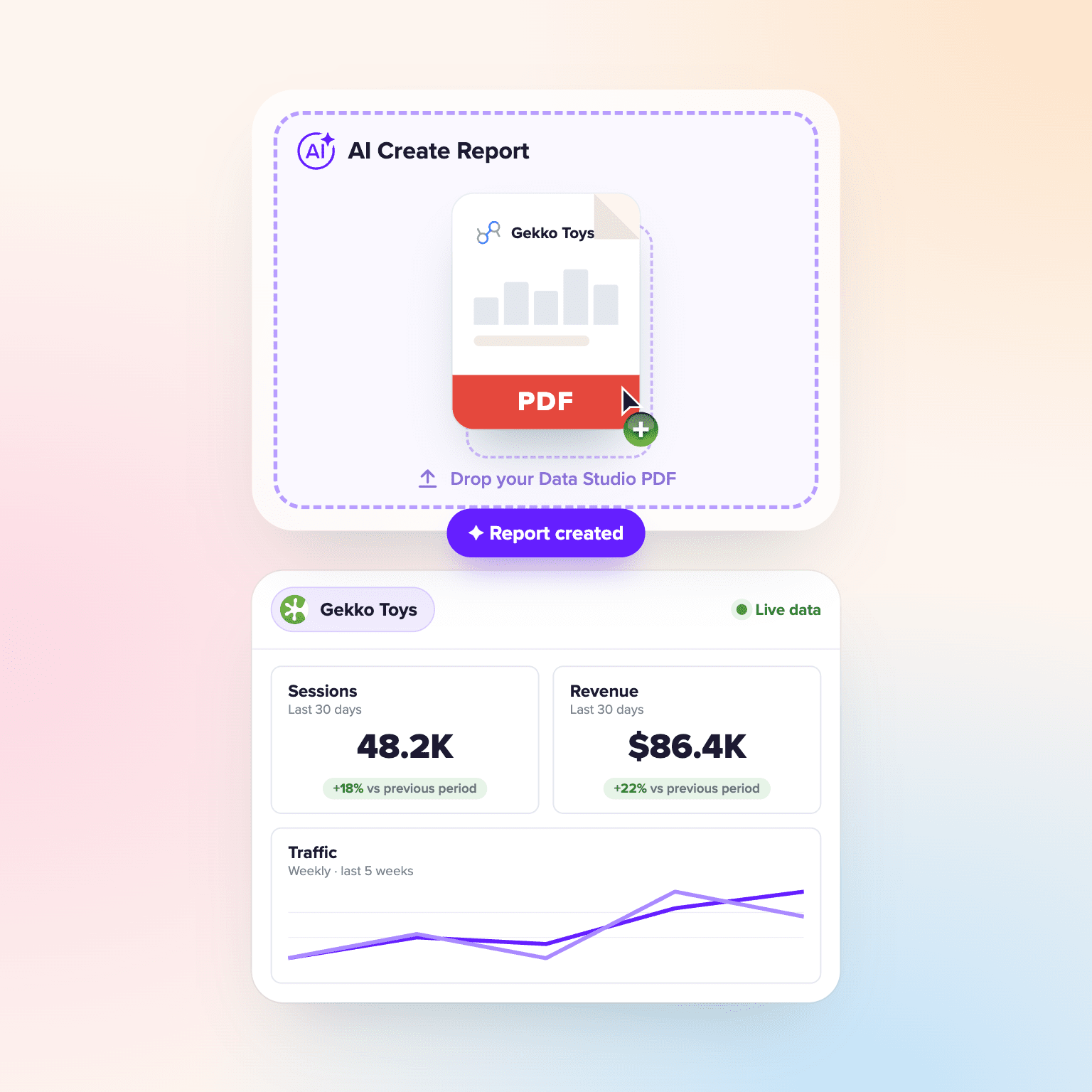
To move a Data Studio (formerly Looker Studio) report to Jepto, download it as a PDF and upload it to Jepto, and Jepto rebuilds the report with live data from your connected accounts. After that, you can update reports from Claude or ChatGPT through Jepto's MCP server. Moving one report takes a few minutes, and you can keep Data Studio running while you switch.
Before and after
Data Studio builds charts. Jepto builds the report.
The same monthly client report, made two ways.
 Data Studio |  Jepto | |
|---|---|---|
| Building a report | Chart by chart, by hand | From a typed brief or a PDF of the old report |
| Analysis | Written by you | Drafted by the AI Analyst from client goals and KPI targets |
| Many clients | Copy and edit each report | One master report updates every linked client report |
| Meta Ads data | Paid connector | Included |
| Changes from chat | No | Yes, from Claude or ChatGPT through MCP |
Source: Data Studio alternatives for agencies, compared. Checked November 2, 2026.
In Data Studio, open the report and click Share → Download report to save it as a PDF. Screenshots of each page (PNG or JPG) work too.
Gekko Toys - Monthly reportShare
In Jepto, go to Reports, click +, pick the client and click Create. Keep AI Create Report selected, click the paperclip, choose Upload file and attach the PDF. Describe the report you want, including the date range, and send it. Jepto builds a card for each chart or table with live data from that client's accounts.
Compare the new report with the PDF. The PDF is only a layout guide, so numbers can differ slightly: check the client, date range and filters. Then let the AI Analyst draft the commentary from the client's goals, KPI targets and notes, using Claude, GPT or Gemini.
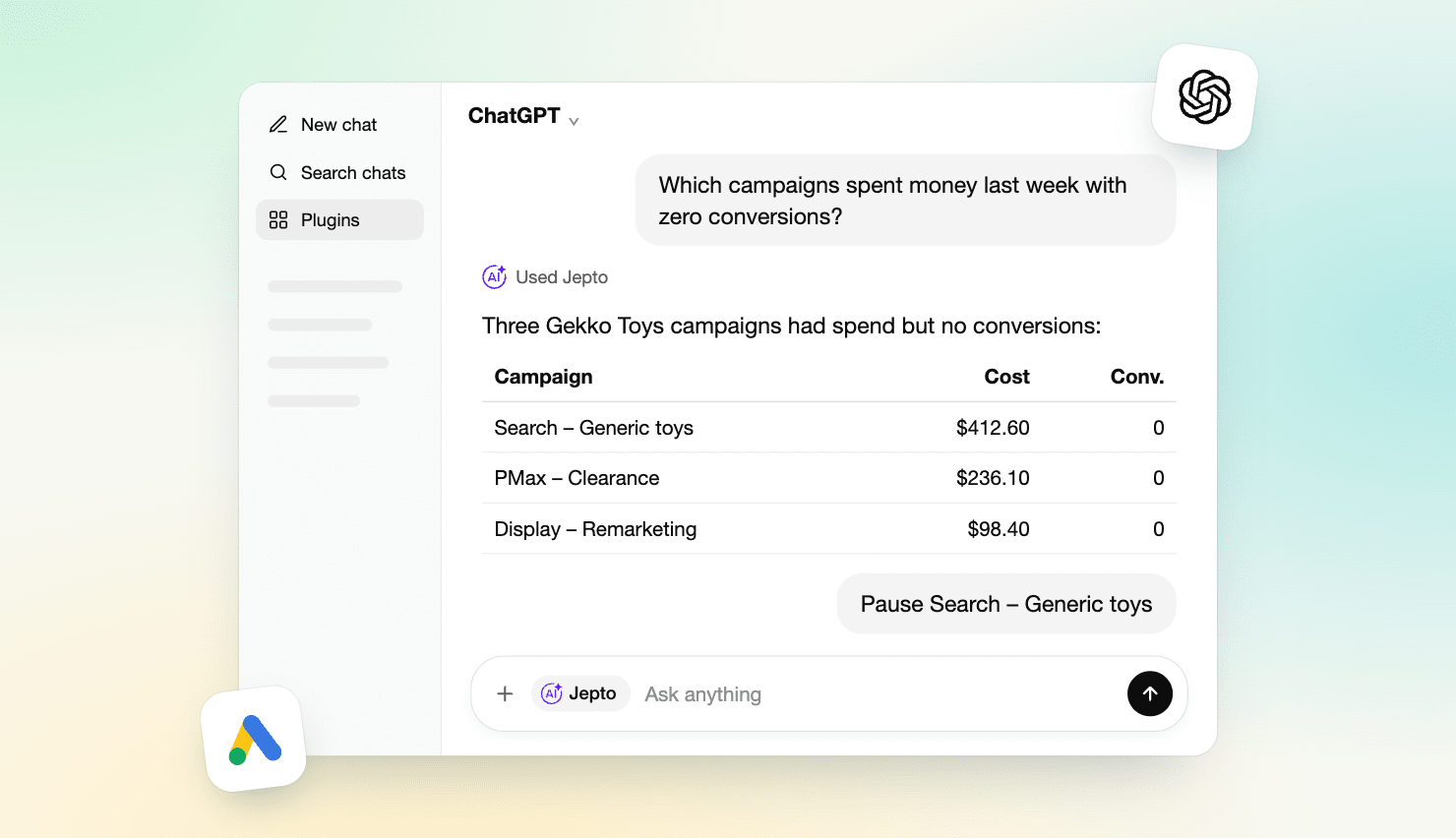
With Jepto's MCP server added in Claude or ChatGPT, ask for changes in chat, such as adding a card or changing the date range, and the report updates in Jepto. You can also do step 2 in Claude: attach the PDF in a chat with Jepto turned on and ask Claude to rebuild the report in Jepto. Building in the app uses AI credits. The MCP has no usage limits.
 Done. I added a "Leads by channel" card to the Gekko Toys October report and set the range to last month.
Yes. If some clients still want Data Studio, Jepto Data Warehouse sends your data to your own BigQuery so those reports load in seconds. Setup takes under 5 minutes and needs no code.
Jepto Starter is $99/month for 25 data sources with no client limit. Plans run from $10 to $499/month. See the full comparison with AgencyAnalytics, DashThis, Swydo, Whatagraph and others.
Monthly cost
What 10 clients cost to report on
List prices, billed monthly, for 10 clients with 2 data sources and 1 report each.
| Tool | Per month | Charged by |
|---|---|---|
| Jepto Reporting | $99 | Plan, no client limit |
 Swydo | $114 | Data source |
 DashThis | $164 | Dashboard |
 AgencyAnalytics | $250 | Client |
 Whatagraph | €699 | Flat plan |
| Data Studio | $0 | About 10 hours a month by hand |
Source: Data Studio alternatives for agencies, compared. Checked November 2, 2026.
Next: Data Studio alternatives for agencies, compared · Jepto MCP on GitHub
Thanks a lot for your feedback! If you’d like a member of our support team to respond to you, please send a message here
Oops! Something went wrong while submitting the form.