Watch Jepto go from a typed brief to a fully populated report with written analysis — the work that used to take an afternoon, done while you watch.
Stop building dashboards from scratch. Type your brief, choose your AI model, and let your report agent handle the initial layout and metric wiring. You start with a fully populated report that you can edit, drag, resize, and refine.
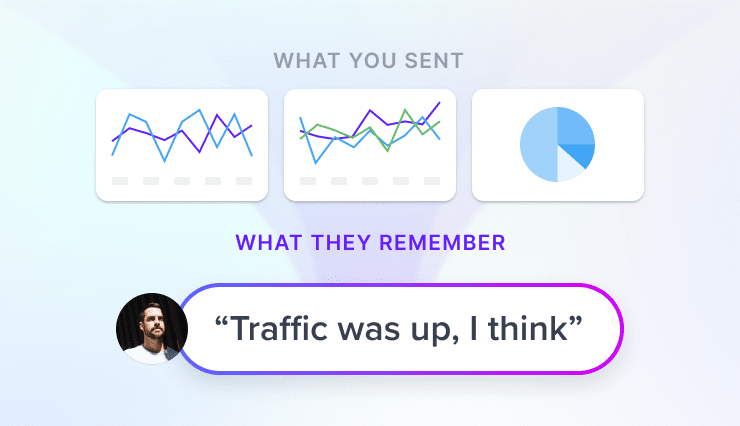
Traditional tools show clients what happened, but leave it to you to explain why. Jepto's AI Analyst Agent writes the monthly narrative for you — pulling from your full performance data, budgets, and goals to explain the "why," and tailoring tone and language to whoever's reading it, from C-suite clients to internal teams.
 AI Analyst
Generic AI tools generate from a blank slate — same template, different logo. Jepto's Analyst Agent pulls from your client's actual business: their goals, industry, brand voice, and performance history, so every summary reads like it was written by someone who's been in the account for years.
Jepto AI Analyst
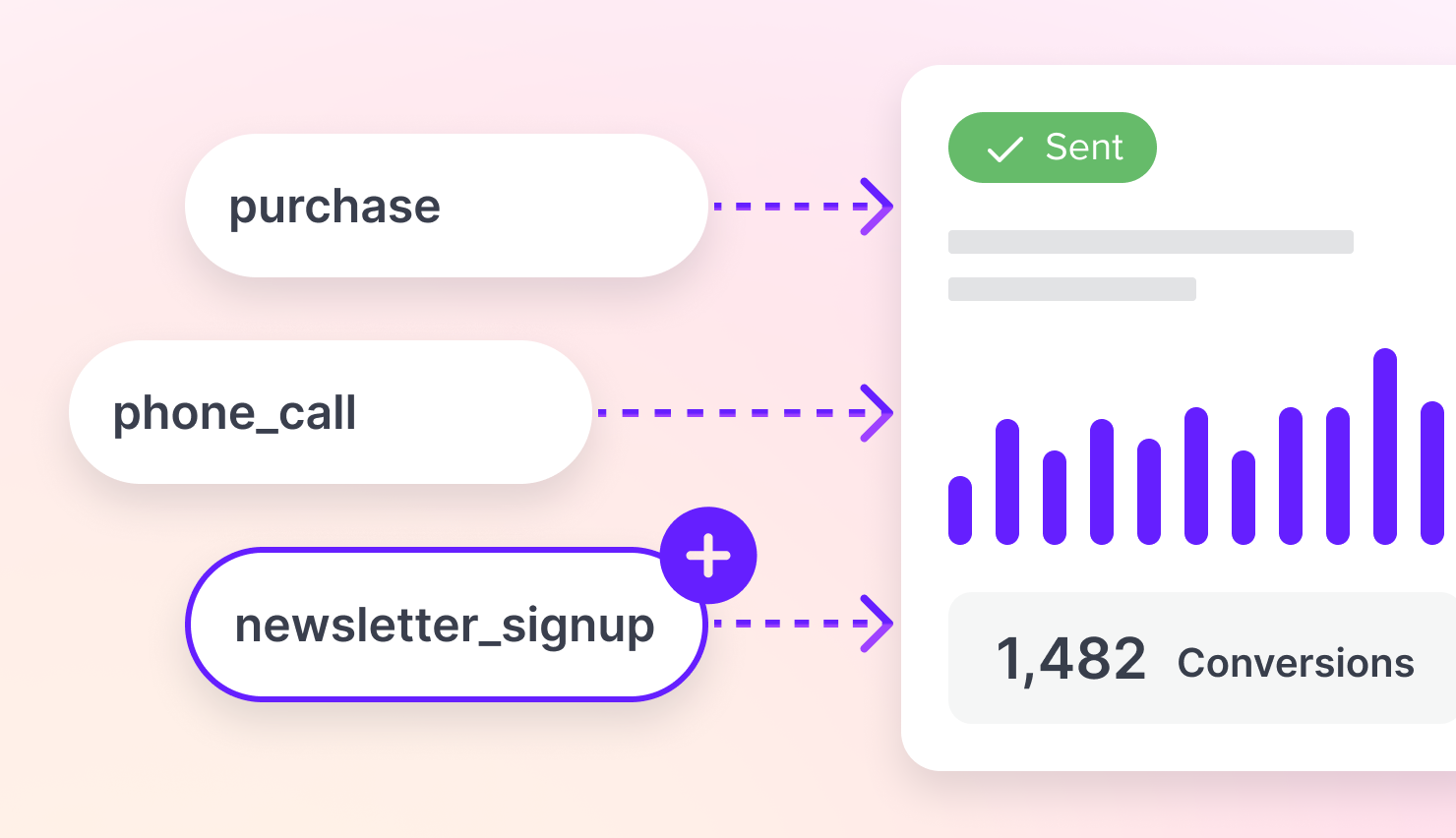
Connect GA4, Meta Ads, Google Ads, Search Console, and more in seconds. Your agent blends cross-channel metrics seamlessly into the grid, making it effortless to organize your data exactly how you like it without a single spreadsheet export.
Traditional reporting tools force you to clone dashboards, meaning a single KPI change requires hours of tedious copy-pasting across every account. With Jepto, you build a master report once. Every linked client report automatically inherits its layout and structure, while still allowing account managers to customize client-specific data ranges, titles, and written commentary without breaking the link.
Think of us as your silent partner - never named, never seen. Dashboards run on your domain, wear your brand colors, and reports land in your client's inbox from your agency's email. Jepto does the work. You get the credit.
 |
|
 Gekko Toys
Save any card, page or entire report as a template, then drop it into any client in a couple of clicks.
Templates are starting points: the new report is independent the moment it's created, so account managers can take it wherever that client needs to go. When you'd rather every client stayed in step with one definition, use a master report with linked reports instead.
Pick a preset or a custom cadence in plain English. Recipients get a branded email with a live link — edit the template once, and every send uses it.





Every recipient gets a last viewed date and time when they open the email or the live report. Follow up with the people who have not looked yet.
Traditional reporting tools hand you a blank canvas and a library of widgets—meaning you still have to build every dashboard from scratch.
Jepto is an AI reporting tool that builds the report for you. Instead of dragging and dropping charts, you just describe what you need in plain English. Jepto’s AI instantly assembles the full dashboard—complete with metrics, charts, and a written performance summary tailored to your client’s goals. It’s not a template with AI bolted on; the AI does the heavy lifting so you start with a client-ready draft.
All you have to do is type a simple prompt. For example, you could type: "Build a monthly performance report for Gekko Toys covering SEO, Facebook Ads, and GA4 traffic." Jepto instantly pulls the live data from your connected sources, designs the layout, chooses the right metrics and chart types, and writes the strategic commentary. You get a complete, multi-channel marketing report in minutes instead of the hours it takes to build by hand.
Yes, you are always in total control. Jepto gives you a finished first draft, but nothing is locked in. You can modify your report in two ways:
It acts as a dedicated AI Analyst Agent tailored to your agency. Jepto doesn’t just pull data into charts and spit out generic, robotic summaries that state the obvious.
When you set up a report, Jepto spins up a specialized AI agent that reviews your data like a human analyst would. You can completely guide this agent, giving it specific instructions on the exact tone of voice to use, which goals to prioritize, and what nuances to highlight. It combines your custom guardrails with live channel data, client websites, and campaign notes to produce deeply strategic, relevant commentary.
Yes. You have total control over the AI engine. Unlike other platforms that lock you into a single, hidden AI model, Jepto lets you select the specific LLM that drives your report creation and analysis.
Whether your agency prefers the reasoning and writing style of Claude, GPT, Gemini or another leading model, you can choose the best engine for your reporting workflow. This allows you to match the model to your specific data complexity and narrative needs.
Jepto connects directly to all major marketing and analytics platforms, including:
You can connect multiple accounts from the same platform, blending your data into a single, real-time cross-channel report without exporting spreadsheets or juggling browser tabs.
Absolutely. Jepto is built specifically for agencies to look like an in-house solution. You can fully white-label your reporting by adding your agency’s logo, brand colors, and hosting dashboards on a custom domain.
When it comes to delivery, Jepto stays completely invisible:
Yes, using our advanced Master Report and Linking feature. Traditional reporting tools force you to duplicate a dashboard repeatedly, so a single layout or KPI change can take hours of manual copy-pasting across dozens of client accounts.
With Jepto, you build a master report just once. Every linked client report automatically inherits its structure, charts, metrics, and layout directly from that master definition.
Most agencies are up and running in under 5 minutes. The setup is incredibly simple: create a client profile, link their data sources, and type your first prompt. Because there are no complex templates to wire up or dashboards to map out, you don't need a technical data analyst to get started.
Start asking your data smarter questions today. Connect your first data source in minutes.