

Remote MCP Server URL:


For the account manager
For the strategist
For the agency owner


.svg)

Your Jepto account at a glance: plan, seats, status.
What plan am I on and how many brands do I manage?
Copied Successfully
Every brand in your workspace, searchable in seconds.
List all my retail brands.
Which accounts run Google Ads and Facebook Ads?
Copied Successfully
Business details, industry, contacts, channels, services delivered.
Tell me about Homer's Donuts. What do they sell?
What channels are we running for Homer's Donuts?
Copied Successfully
Notes, briefs, brand guidelines and strategy docs, all searchable in chat.
What's Homer's Donuts' target audience and brand tone?
Pull up the latest strategy notes for Homer's Donuts.
Copied Successfully
Live data from connected platforms (sessions, conversions, ROAS, CPA), broken down however you ask.
Give me a detailed breakdown of Homer's Donuts' spend.
Compare Homer's Donuts' conversion rate this quarter vs last, by channel.
Show me Homer's Donuts' daily spend vs target for this month.
Copied Successfully
Real-time KPI status, forecasts and recommendations across every account.
Which accounts have KPIs flagged critical?
Is Homer's Donuts on track for this month's targets?
Forecast our ROAS for the rest of the quarter.
Copied Successfully
Create, update and delete budget targets for any account, across one or many ad accounts.
Create a budget for Homer's Donuts: $1,500 over 65 days, all Google Ads campaigns.
Extend Homer's Donuts' brand budget by two weeks.
Delete the Homer's Donuts retainer budget. We restructured it.
Copied Successfully
Set up and update performance KPIs: thresholds, time periods, channels.
Create a CPA KPI for Homer's Donuts: under $50, monthly.
Update Homer's Donuts' ROAS target to 4x from next month onwards.
Copied Successfully
Pause or re-enable Google Ads campaigns without opening Google Ads.
Pause the brand campaign in the Homer's Donuts Google Ads account.
Re-enable Homer's Donuts' brand campaign.
Pause every campaign with no conversions this month in the Homer's Donuts Google Ads account.
Copied Successfully
Jepto tracks how ChatGPT, Gemini, Perplexity, Copilot, Claude, Google AI Mode and AI Overviews answer the questions your buyers ask: which brands they name, which pages they cite, what they claim, and whether it is right. Through the MCP it is a question away, next to your Search Console and GA4 data, so you can see why an answer changed and what to fix.
You
How visible is Homer's Donuts in AI answers this month, and where are we missing?
Claude, using the Jepto MCP
Homer's Donuts was named in 38% of tracked answers this month, up from 31%. ChatGPT and Gemini name you most; Perplexity names you least and cites two competitor review sites instead. The biggest gap: when engines search "best donuts open late near me", your opening hours page isn't retrieved, and it ranks 14th for that query in Search Console. Updating that page is the quickest win.
Illustrative example. Your answer comes from your own tracked prompts and connected data.
Other AI visibility tools have an MCP. Only Jepto puts it next to your ads, analytics and search data.
Create reports, pages and cards, write the analysis, and apply your theme and palette, all from the chat. Every report comes back with a share link.
Report edits save straight away, because they stay inside Jepto.
Google, Meta and others now publish their own MCP servers. Each covers one platform, needs its own setup, and returns data in its own shape, so a cross-channel question becomes a reconciliation job for your AI.
Jepto's MCP reads the same data model as your Jepto reports. Spend means the same thing on Google Ads and Meta before the AI sees it, your custom metrics are available by name, and one query can return every platform at once. Queries use Cube, an open-source format models already know. No developer tokens, no self-hosting, no per-query fees.
See how the data model worksEvery connected source is available through the same server, with the same sign-in.
Campaigns, keywords, search terms and spend, plus pause and enable. No developer token needed.
Sessions, conversions, channels and landing pages, joined with ad spend.
Queries, pages, clicks and position, and how they line up with AI citations.
Spend, results and creative performance, rolled up across platforms in one query.
Calls, direction requests, searches and reviews across every location. Hosted, so there is no Google API approval or self-hosting.
Mentions, citations and claims across seven AI engines, plus your own CRM, sales or finance data.
From our comparison of 26 marketing MCP servers, checked against each vendor's own docs.
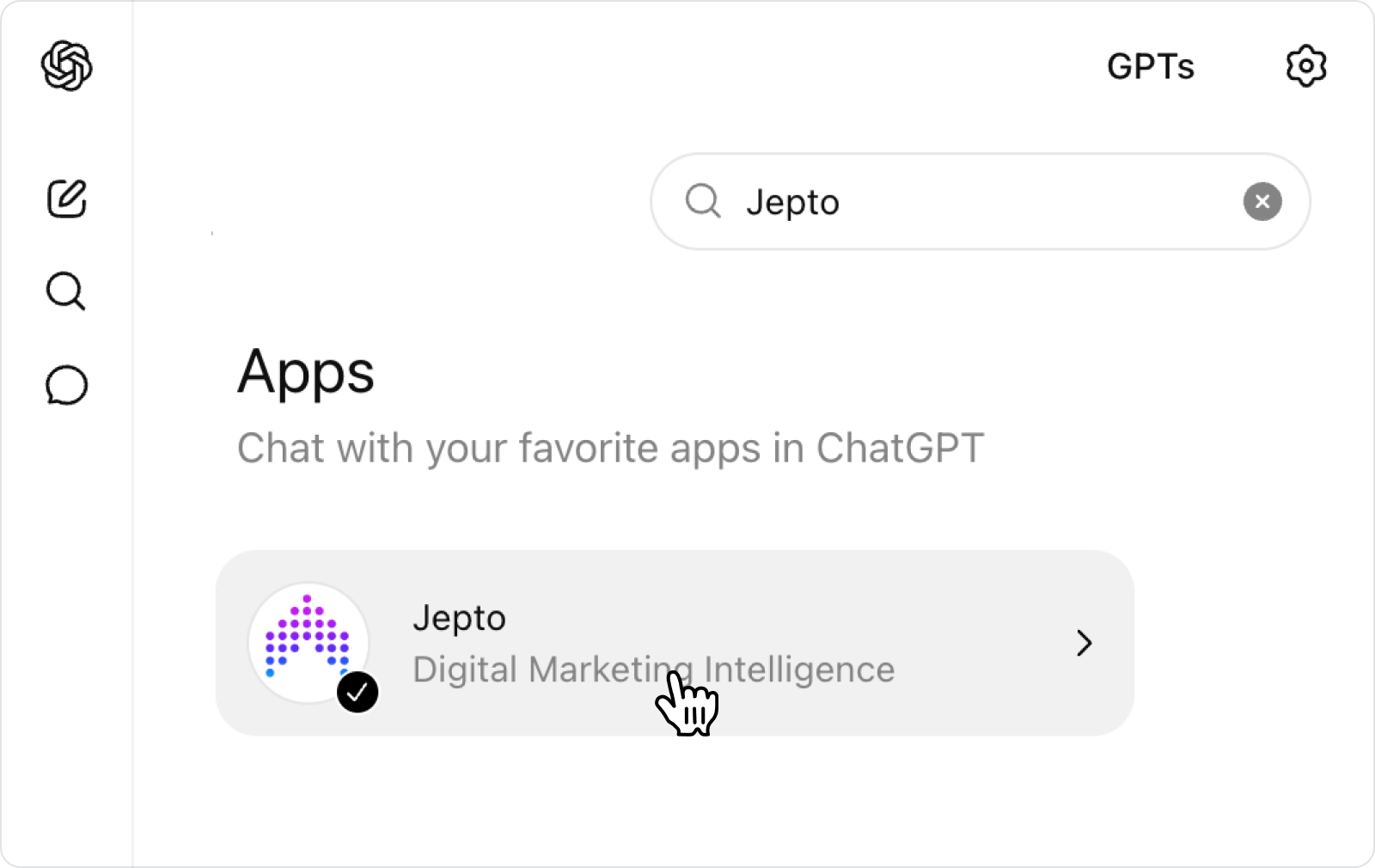
ChatGPT: open the apps directory and search "Jepto."
Claude: Settings → Connectors → Browse directory.
For custom apps, internal tools, or any MCP-compatible app without Jepto listed. Find "Add custom connector" and paste the URL.
A remote Model Context Protocol server at mcp.jepto.com that connects Claude, ChatGPT, Cursor and other MCP apps to your Jepto data: Google Ads, GA4, Search Console, Meta, LinkedIn, Microsoft Ads, Google Business Profile and AI Visibility.
Yes. Ask which engines mention you, which pages they cite, what claims they make and how you compare with competitors. Because the same server holds your Search Console and analytics data, you can ask why a citation changed, not just whether it did.
Google's server is read-only, covers Google Ads only, and needs a developer token and self-hosting. Jepto is hosted, covers every connected channel, and can pause campaigns, set budgets and build reports.
No. It can build and edit reports, set budgets and KPIs, and pause or enable Google Ads campaigns. Ad account, budget and KPI changes show a preview and wait for your confirmation. Report edits save straight away inside Jepto.
Yes. Use the same URL in any MCP-compatible app. Jepto is also listed in the Claude and ChatGPT connector directories.
Yes. Ask across every account in your workspace, for example which accounts are off pace on budget, or scope a question to one.
No. The MCP is included on every plan with no usage limits. Plans with MCP start at $10 a month, about $60 a month for 50 connected accounts, with a 14-day free trial. Most other marketing MCP servers cap requests, rows, weekly actions or AI credits.
The connection uses OAuth with your Jepto login. Access follows your Jepto permissions, and your AI only sees the accounts you can see.
Start a 14-day free trial, connect a data source, and paste one URL into your AI.


