Jepto

Pricing

Sign In

Try For Free

Analytics

How to use Google Search Console data in Gemini and Claude

Adrian Rayco

Web Designer

circle-4circle-3circle-1circle-2

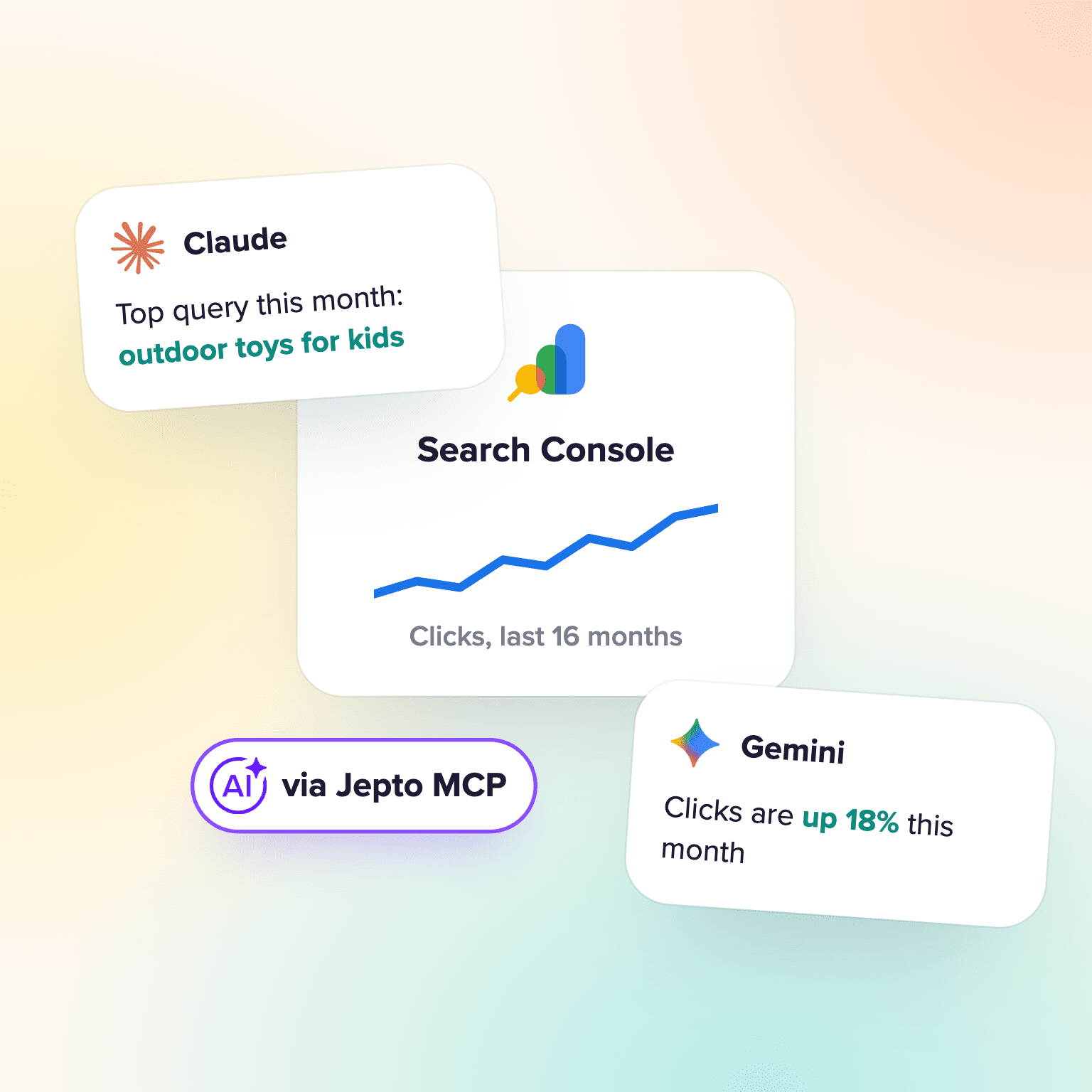
Add Jepto from Claude's directory, or install the Jepto extension in Gemini CLI, and ask about 16 months of Search Console data. Read-only, no Google Cloud setup.

To use Search Console data in Claude, add the Jepto app from Claude's directory. In Gemini, install the Jepto extension in Gemini CLI. Both connect to Jepto's hosted, read-only Search Console MCP server at mcp.jepto.com. You sign in with OAuth and don't need a Google Cloud project.

What you need

  • A Jepto account with Google Search Console connected (14-day free trial)
  • Claude, or Gemini CLI installed on your computer

How it connects

One Search Console connection, two AI assistants

Jepto holds the Search Console connection. Claude and Gemini both reach it through Jepto's hosted MCP server.

Google Search ConsoleYour dataSearch ConsoleEvery site you connect in Jepto, with 16 months of history.
JeptoMCP serverJeptoHosted at mcp.jepto.com. Read-only for Search Console.
ClaudeGeminiYour AIClaude or GeminiClaude from its directory, Gemini through Gemini CLI.

No Google Cloud project or API setup. You sign in once with OAuth.

‍

Step 1: Connect Search Console in Jepto

In Jepto, open Data sources, choose Google Search Console, sign in with Google and pick your sites. Jepto keeps the 16 months of history Search Console holds.

Google Search Console
Connect Google Search Console
Please select a connected email address to see a list of available services.
Google Account
Select
Properties
Select
https://www.gekkotoys.com/
sc-domain:gekkotoys.com.au
https://blog.gekkotoys.com/
CancelConnect

‍

Step 2a: Connect in Claude

Open the apps directory in Claude and search for "Jepto", or go to claude.ai/directory/jepto. Click Connect and sign in to Jepto.

Copy linkSubmissions
Directory
Jepto Community
Marketing data from every channel, queryable and actionable inside your AI assistant.
Connect···
MADE BY
Jepto ↗
CAPABILITIES

‍

Step 2b: Connect in Gemini CLI

Run this command in your terminal:

gemini extensions install https://github.com/jepto/mcp

Then run /mcp auth jepto inside Gemini CLI. Sign-in opens a browser on your computer, so run it locally rather than over SSH.

gemini
GeminiGemini CLI
> /mcp auth jepto
Starting OAuth authentication for MCP server 'jepto'...
→ Opening your browser for OAuth sign-in...
✅ Successfully authenticated with MCP server 'jepto'!
Restarting MCP server 'jepto'...
Successfully authenticated and reloaded tools for 'jepto'
>
~/gekko-toysjepto MCP server connected

‍

Step 3: Ask about your search performance

Ask in plain English. Claude or Gemini picks the site, runs the query through Jepto and answers in the chat.

Example

Find the queries that slipped, in one question

The same question works in Claude and Gemini. Example data.

ClaudeGeminiGoogle Search ConsoleWorks in Claude and Gemini, with your Search Console data
Which queries lost the most clicks this month vs last month for Gekko Toys?
Jepto · analytics_query

Three queries account for most of the drop. Average position fell on all three:

QueryClicks SepClicks OctPosition
outdoor toys for kids1,2406103.1 → 7.4
water blaster8805202.4 → 4.8
gekko toys sale4303101.2 → 1.9

More to try

Pages with high impressions and CTR under 1%Queries ranking 5 to 15 for /pricingClicks by country, last 28 days

‍

What data is available

What's available

The Search Console fields Claude and Gemini can query

The same fields as the Search Console performance report, for up to 16 months.

MetricsClicks, Impressions, CTR, Average position
DimensionsDate, Query, Page, Search appearance, Country, Device
HistoryUp to 16 months, all that Search Console keeps
AccessRead-only. Nothing in Search Console is changed

Source: jepto.com/data-sources/google-search-console, checked November 5, 2026.

‍

FAQ

Can Gemini access Google Search Console data?

Yes, through MCP in Gemini CLI. Install the Jepto extension and sign in, and Gemini can query your Search Console data.

Can Claude read Search Console data?

Yes. Add Jepto from Claude's directory and sign in.

Do I need a Google Cloud project?

No. Jepto connects to Search Console for you, so there's no API setup.

Can it change anything in Search Console?

No. Jepto's Search Console access is read-only.

How far back does the data go?

Up to 16 months, which is all Search Console keeps.

‍

Next: See what Jepto pulls from Search Console · Jepto MCP on GitHub

Was this post useful?
Nice one!

Thanks a lot for your feedback! If you’d like a member of our support team to respond to you, please send a message here

Please try again

Oops! Something went wrong while submitting the form.